Many beginners puzzle over what the best IDE for STM32 is. On the Internet, as is always the case, opinions are divided. Some will recommend an all-in-one tool costing thousands of dollars “because it’s the best and the others are junk.” Others will say that an IDE is an unnecessary tool and will send you to Notepad or something only slightly more advanced. There’s also a split between supporters of free and paid IDEs. So which is the best IDE for STM32? The answer isn’t simple… but
Update start
This post was written at a time when ST didn’t yet have its own IDE. I described their environment called STM32CubeIDE in a newer article right here.
Update end
I’ve used several myself and it’s hard for me to say which is the best. Each has its pros and cons. So I came up with an idea. Instead of searching the internet for the best IDE for STM32, I simply asked on our wonderful Facebook group STM32 Polska which ones developers use most often.

The answers varied, but a trend was visible. I filtered out the one-offs and thus created a list of the 8 best and most popular IDEs (and “notepads”) for STM32.
1. SW4STM32

This is an IDE from AC6 based on Eclipse. The full name is System Workbench for STM32. More often, however, the abbreviation is used. This IDE is complete and self-sufficient when it comes to programming STM32. After installation it’s ready to work right away. It includes the GCC compiler and the OpenOCD and GDB debuggers that work with ST-Link.
It’s a community project run by the aforementioned AC6 and was supported by ST for a long time. On the project website you’ll find a forum that is still active. The project has its own Wiki with some useful information. Besides that, there’s a blog which, from what I can see, died long ago.
Downloading the IDE requires registration on the site. SW4STM32 is completely free and can be used on different platforms: Windows, Linux, MacOS.
2. TrueStudio for STM32 (Atollic TrueStudio)
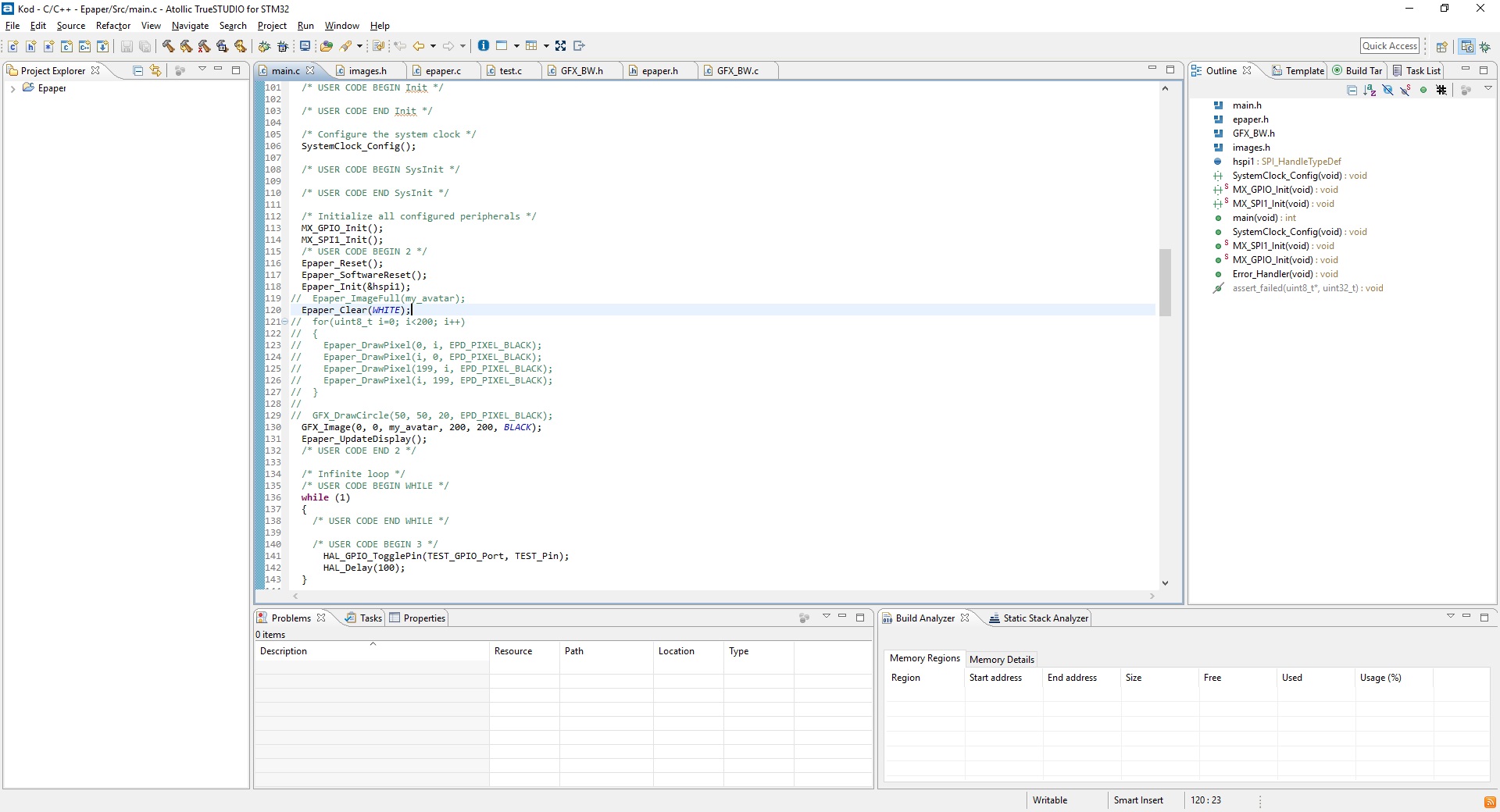
Atollic created an IDE similar to SW4STM32. It’s also based on Eclipse, and it includes a built‑in compiler and debugger. What sets it apart? Some time ago, Atollic was acquired by ST. For a long time, ST didn’t have its own dedicated code-writing tool. Now it does and it’s developing it vigorously. It supports both microcontrollers and development boards from ST.
It has a range of built-in conveniences for debugging, such as support for SWO used to send messages from the MCU. It also has built-in tools for data visualization as well as very useful tools for debugging RTOS.
Just like SW4STM32, TrueStudio is completely free. Downloading requires registration. However, there’s no support for MacOS. Only Windows and Linux users can enjoy it.
3. Eclipse + plugins
The previous two IDEs are based on this solution and look similar. Since they’re based on Eclipse, why not use it directly? The classic answer says: “You can. Absolutely!” Unfortunately, it’s not that simple. People starting out with STM32 programming may be put off by the environment setup.
Apart from Eclipse itself, you need to install, among other things, the compiler and debuggers. You also need to install MCU packages and configure programming the chip and launching.
Ultimately, you achieve an effect similar to the Eclipse-based IDEs (SW4STM32 and TrueStudio). Of course, this is a free path.
4. Keil µVision IDE (MDK)
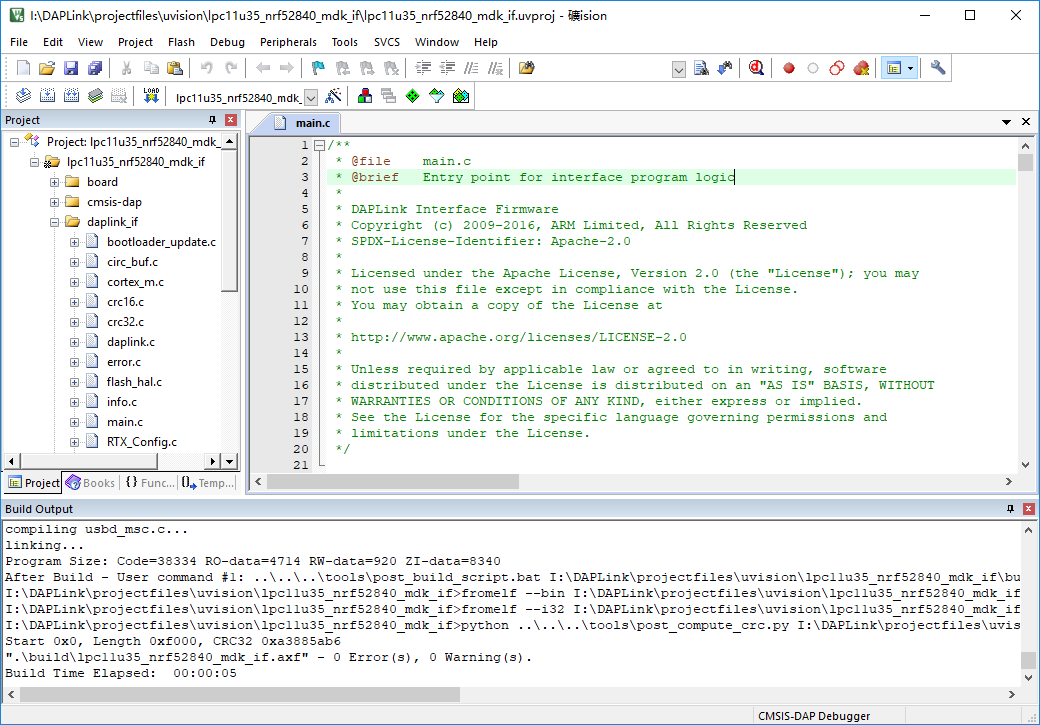
This is a powerhouse provided by ARM. It’s supposedly so good that some say there are no other environments. Indeed, it has many advantages and is a fully professional tool. It supports not only STM32, but all ARM microcontrollers.
The package includes, among other things, the ARM C/C++ compiler, the CMSIS-RTOS RTX kernel, and a debugger. Unfortunately, from a beginner’s perspective, its great advantages are overshadowed by one downside – the price. The package isn’t free, BUT… you can use it for free, also commercially, within the Cortex‑M0 and Cortex‑M0+ cores. This means the STM32F0 and STM32L0 families are fully within reach of this IDE at no cost. Worth a try.
5. VisualGDB
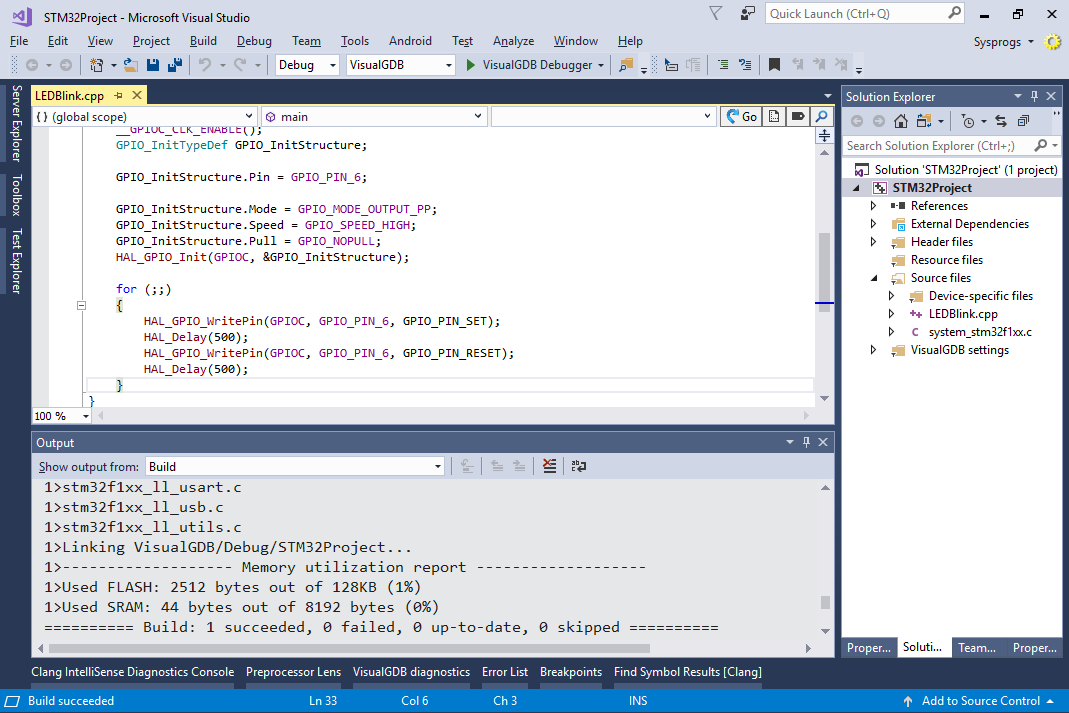
The next item is an add-on for Microsoft Visual Studio IDE called VisualGDB. It turns that powerful behemoth into additional tools for embedded programming, not just STM32.
Unfortunately, VisualGDB isn’t free. There’s a 30-day trial, so you can check whether it works for you. Visual Studio IDE in the Community edition also has a few conditions under which you can use it for free. Otherwise it’s paid as well – Enterprise and Professional editions.
6. VS Code
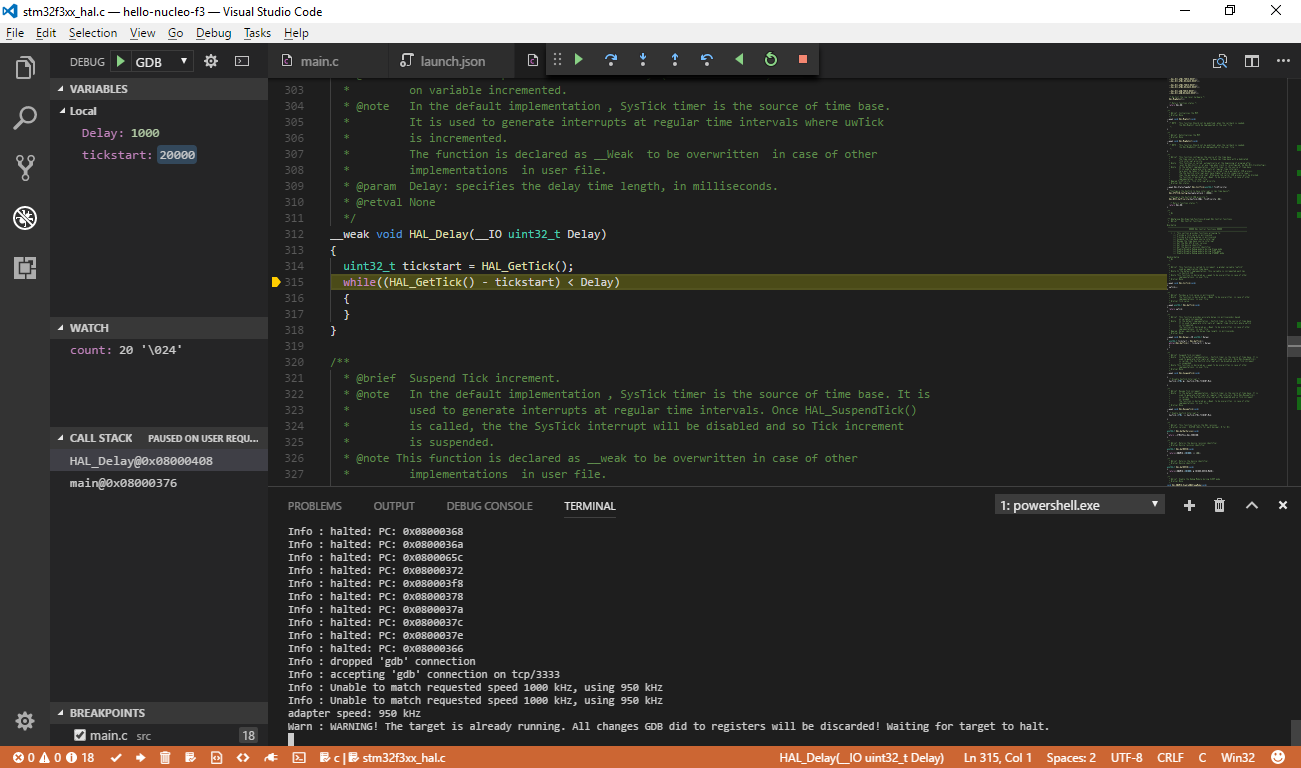
Microsoft’s code editor. It’s a free open-source project launched in 2015, and it quickly attracted loyal users.
For a “notepad” it has loads of interesting features like auto-completion and Git integration. After adding the right extensions it can also debug.
You can write code in it and compile externally. However, extensions are undoubtedly the easier route. One useful embedded extension is, for example, vscode‑mbed, which lets you work with the ARM mbed framework.
7. PlatformIO
This is an interesting open-source project. PlatformIO is a plugin for two popular open-source code “notepads” – Atom and the aforementioned VS Code.
These are quite pleasant and lightweight tools for writing code, just like VS Code above. In fact, that’s exactly what we use (or Atom). On the plus side, it supports lots of microcontrollers and IoT boards, as well as different frameworks within a single chip/vendor, so you’re not limited only to STM32 and, for example, the HAL libraries.
Unfortunately, the free version doesn’t include a debugger. However, the individual license isn’t that expensive at just $2.99 for non-commercial use.
8. IAR Embedded Workbench

This is truly a professional powerhouse. Practically an entire system. Which means – it isn’t free. IAR has its own compiler and its own debugger. On their site they boast that their tools are the best on the market. It also offers static code analysis, e.g., compliant with the MISRA C standard.
As befits a professional tool – what matters is performance. You won’t find bells and whistles and fancy animations here. The IDE looks like it was pulled straight out of Windows 98.
A beginner is unlikely to go for such a tool, but you might encounter it while working at some company.

Summary
The question: which one to choose? Unfortunately, I won’t answer that for you. But I think the survey results and my description of each tool will help you decide. I encourage you to try the IDEs at the top of the list. For example, those that have all the tools and plugins for STM32 microcontrollers built in from the start. They’re very good for beginners. You don’t have to struggle with installing and configuring those plugins.
It’s worth mentioning that most of the IDEs presented here can work in a dark theme. I believe this is a must-have function of an IDE in a programmer’s work.
If you don’t feel confident during installation and configuration of the environment, I have great news for you. I created an e-book especially for you in which I show how to install the IDE and write your first program on the popular, inexpensive board with the STM32F103C8T6. In it I use number one from today’s list, i.e., SW4STM32.
To receive the e-book, sign up for my newsletter below (content in Polish).
Podobne artykuły




0 Comments